One tap
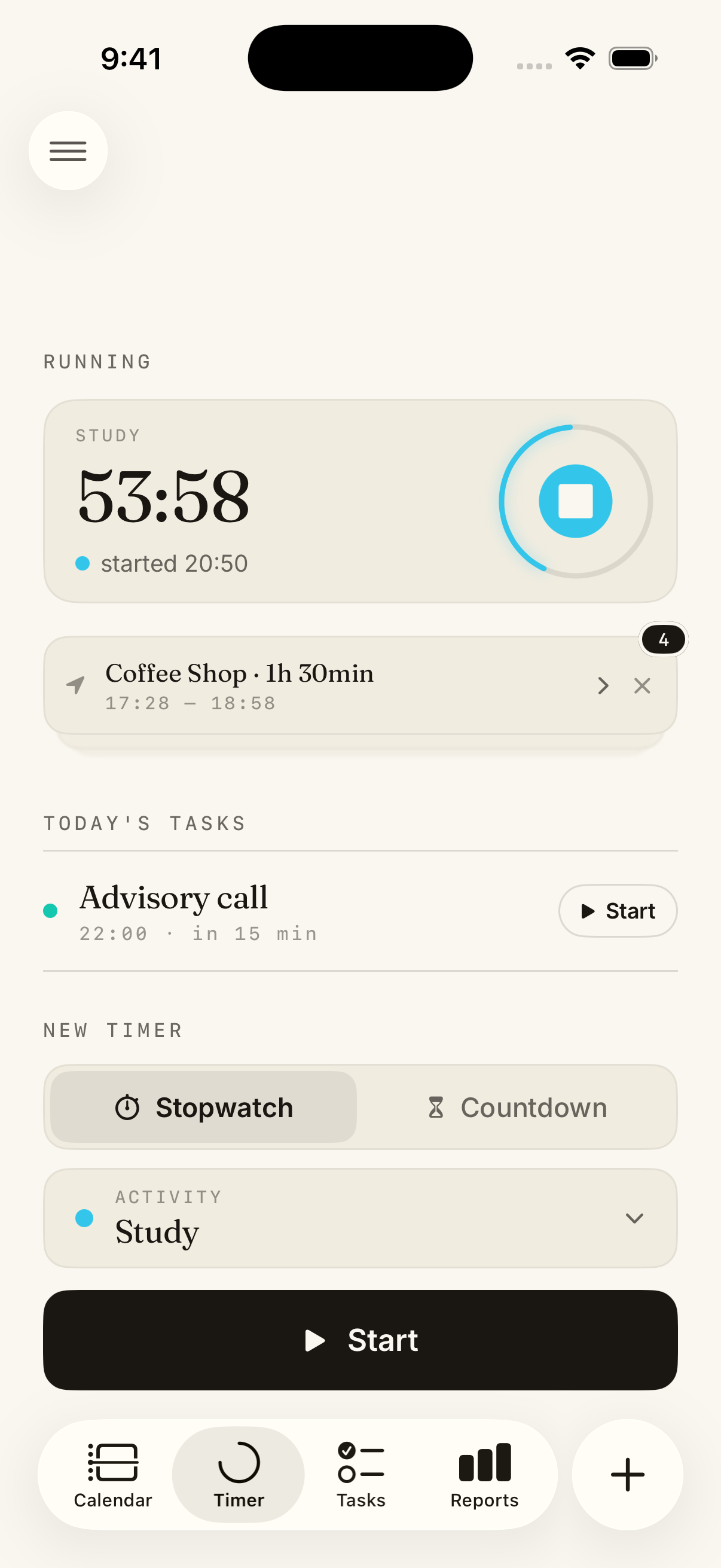
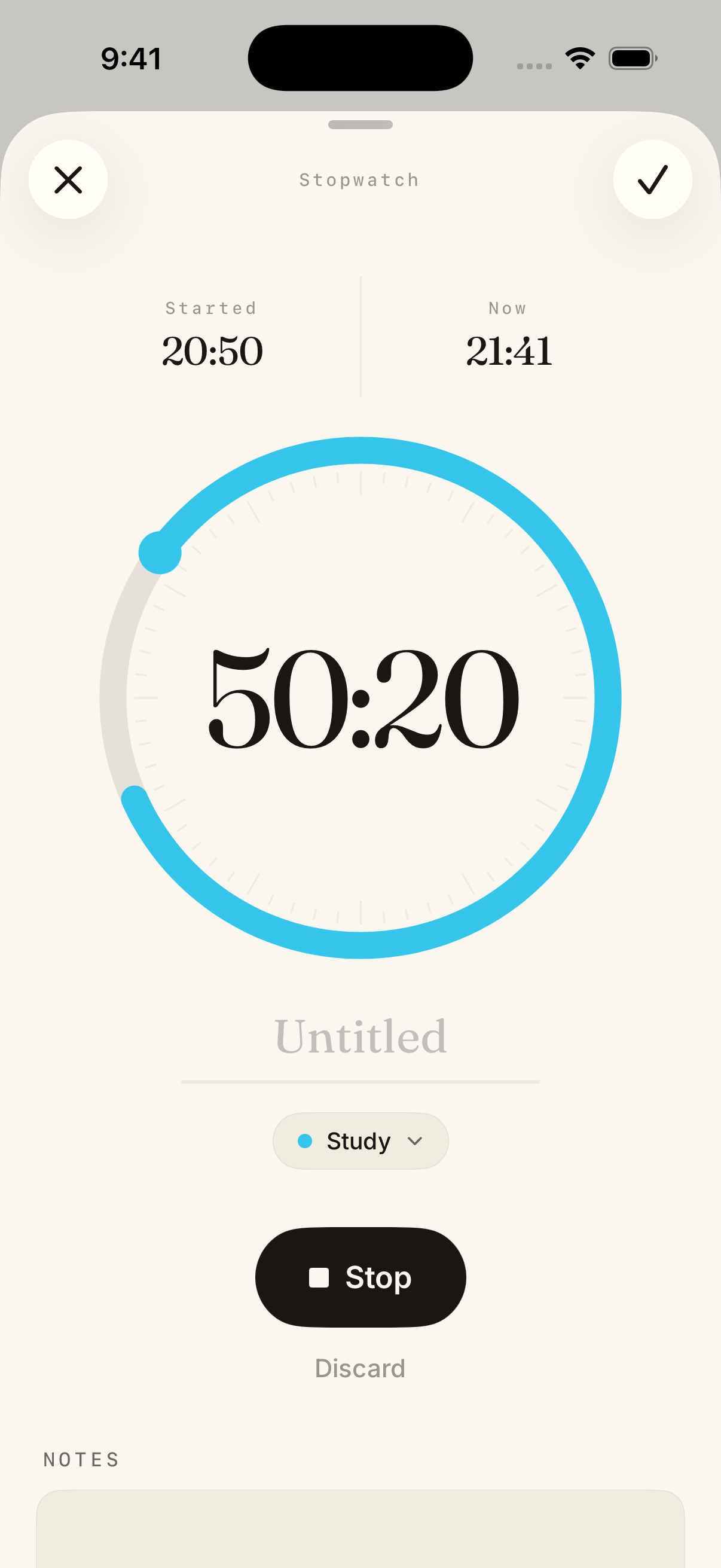
Timers
Stopwatch or countdown. Tap once and Calume starts the clock.
Your day
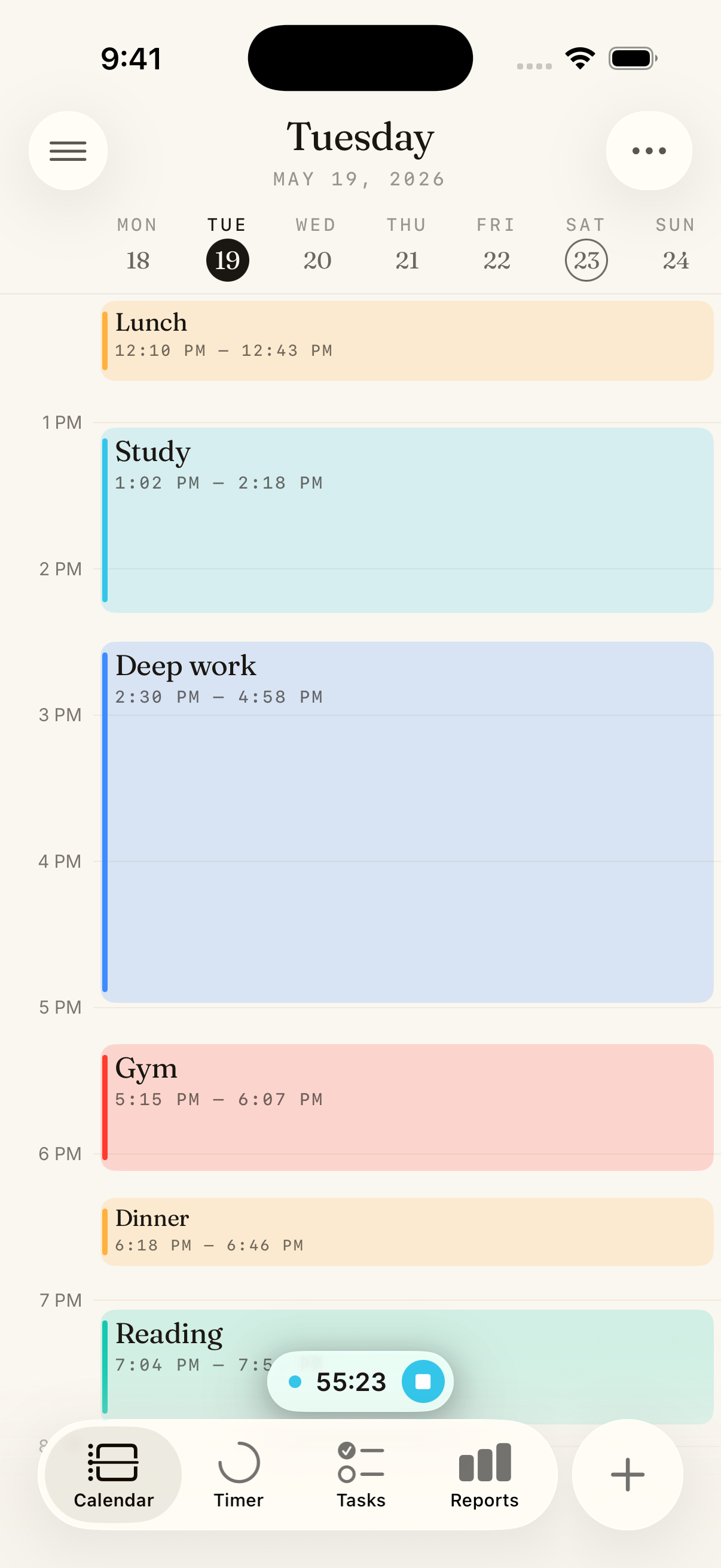
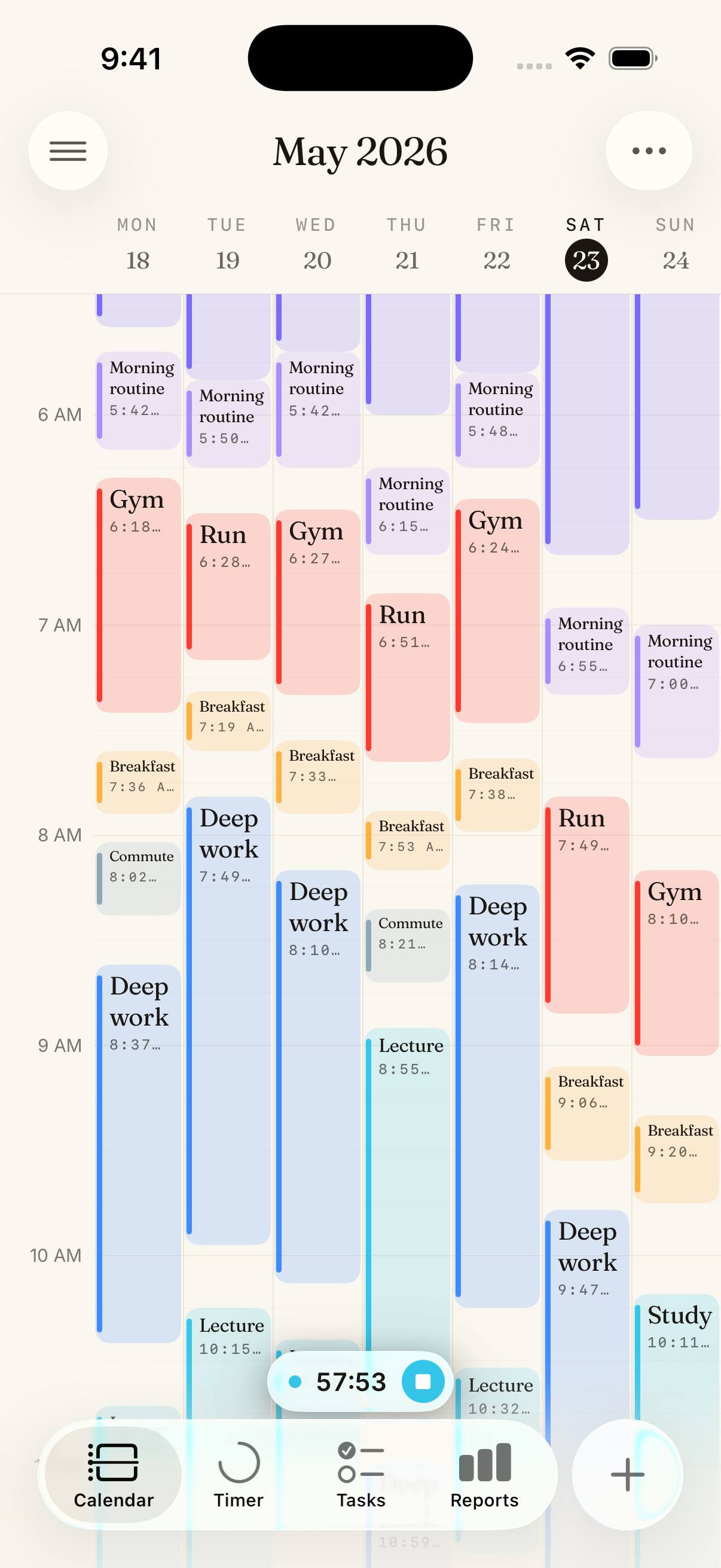
Calendar
Every session lands on your timeline the moment you stop the timer.
Plan ahead
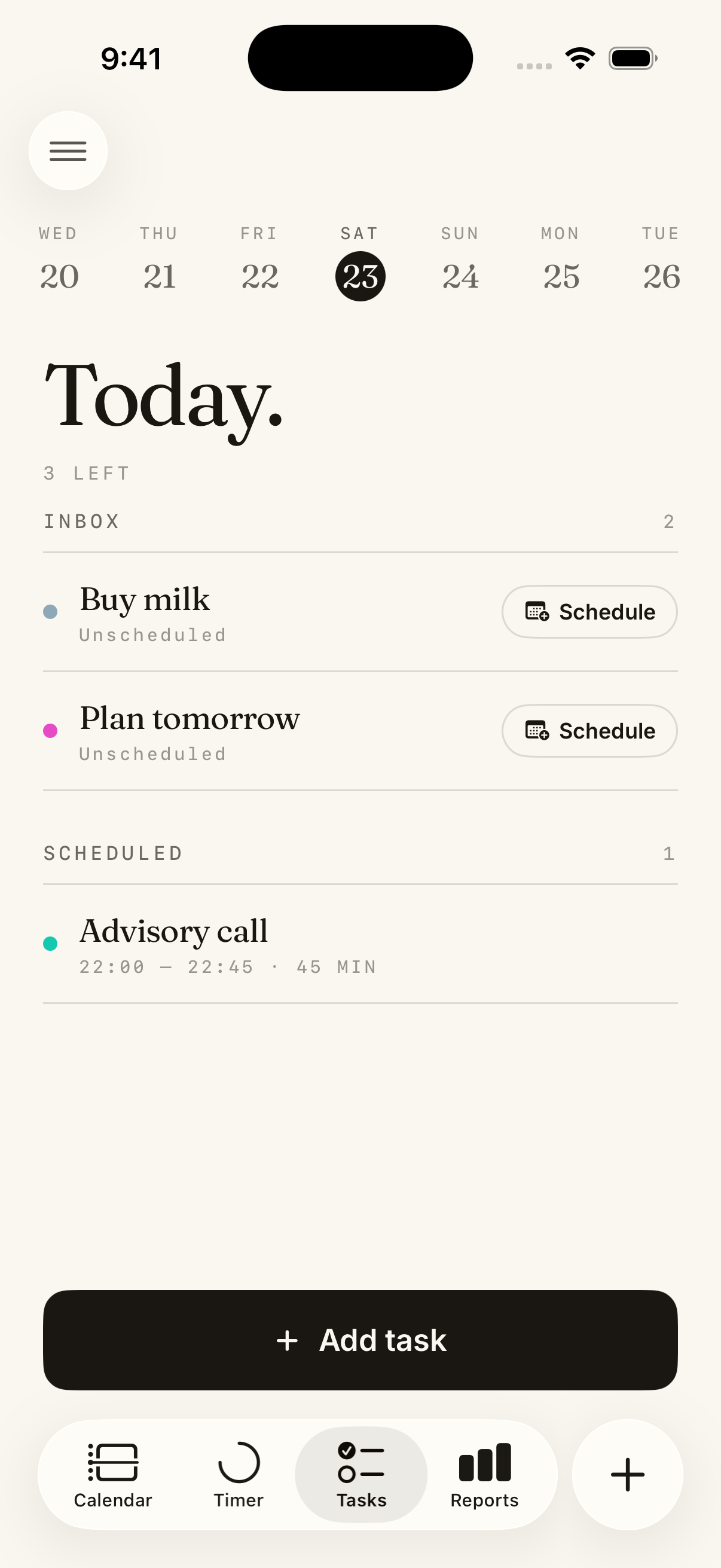
Tasks
Schedule tasks with timers and watch your plan unfold in real time.
The numbers
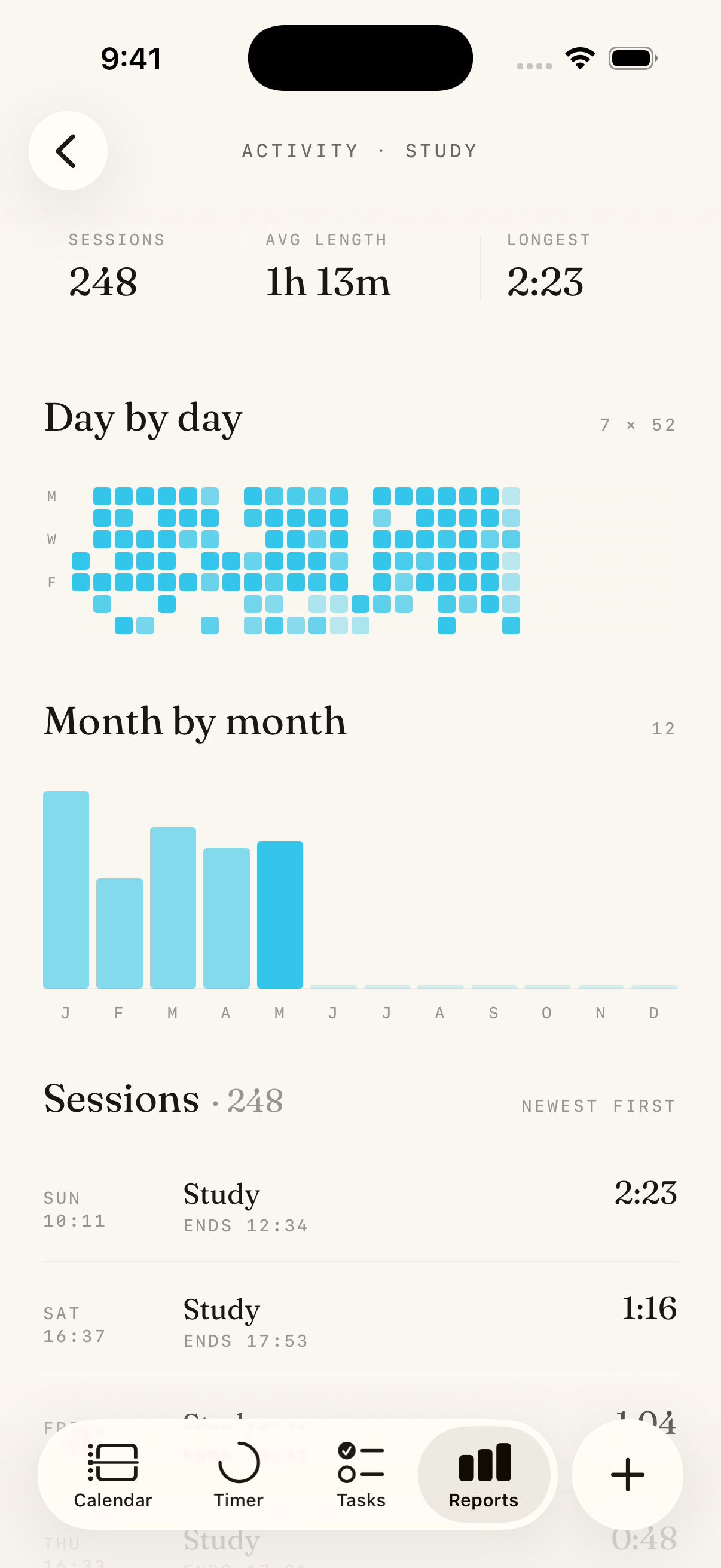
Reports
Hours per activity, day by day and month by month.
Features
What's inside Calume.
Every part of the app, in detail.
Stopwatch & countdown timers
Count up with an open stopwatch — no bell interrupting you mid-flow — or set a countdown when the time itself is the limit. A running timer lives on your lock screen and in the Dynamic Island, so the session is always one glance away. Back-date a start time if you forgot to tap, and start or stop timers with Siri without opening the app.
Live Activities Dynamic Island Siri shortcuts Parallel timers
Calendar timeline
Every stopped timer becomes a block on a 24-hour timeline. Pinch to zoom, drag blocks to move them, pull their edges to resize. Book future blocks as real commitments or sketch them as plans, set anything to repeat, and see the week and month at a glance.
Your existing calendars come along too: show events from iCloud or Google beside your tracked time, and import or export via .ics.
Day · week · month Booked vs. planned Recurring blocks Calendar import
Tasks
Capture tasks without deciding when — they wait in the inbox. Schedule one and it takes its place on the day. Each task links to an activity, so your plans and your tracked time line up, and tasks tied to workouts can complete themselves when Apple Health confirms you did the thing.
Inbox & scheduling Recurring tasks Auto-complete via Health
Goals
Goals work in both directions: at least two hours of deep work a day, at most half an hour of scrolling. Measure in hours or sessions, per day, week, month, or year — and watch progress fill in as timers run. Attach app blocking to a daily goal and the goal starts enforcing itself.
"At least" & "at most" Hours or sessions Daily to yearly
Reports & statistics
Totals per activity, a tappable breakdown of your mix, day-by-day stacks, and a rhythm heatmap that shows when in the week your hours actually happen. Flip between day, week, month, year, and all-time.
Activity breakdown Rhythm heatmap Goal progress
Apple Health import
Sleep, workouts, and mindful sessions flow from Apple Health straight onto your timeline — read-only, Calume never writes to Health. Import your history from any past date, and let the automatic hours fill in around the ones you track by hand.
Sleep & workouts Mindful sessions Historical import
Automatic suggestions
Spend an evening at the gym you always go to, and Calume suggests logging it to the activity you usually do there. Drives can be suggested from motion history, too — no continuous GPS, no battery drain. You just review and approve.
Place-based suggestions Drive detection
Widgets, Siri & sync
Start a stopwatch from the home screen, check today's tasks, see a month of an activity as a heatmap, keep a goal gauge on your lock screen. Your activities carry their own names, colors, and icons, and your whole record syncs across devices.
Home & lock screen widgets Custom activities Cross-device sync
FAQ
Frequently asked questions.
How much does Calume cost?
Calume is free to download and starts with a 3-day preview where everything is unlocked — no payment needed. After the preview, Calume requires a subscription, which begins with a 7-day free trial. You can cancel anytime in Settings.
How does app blocking work in Calume?
Calume can lock distracting apps in three ways: while a timer for an activity is running, during focus time you booked on the calendar, or until a daily goal is met — for example, keeping social apps locked until you have logged two hours of study. Blocks engage and lift automatically, and you can take a short break of 1–30 minutes when you need one.
Which apps can Calume block?
Any apps you choose. Calume uses Apple’s Screen Time system, so you pick individual apps, whole categories, or even websites with the native picker. Your selection stays private on your device — Calume never sees which apps you use.
Is Calume a Pomodoro app?
No — and that’s deliberate. Calume is built around an open stopwatch that runs as long as your focus does, so no bell interrupts you mid-flow, and you see how long the work actually took. Countdown timers are there too, for when the time itself is the constraint.
Can Calume track sleep and workouts automatically?
Yes. Calume can import sleep, workouts, and mindful sessions from Apple Health onto your timeline — read-only, it never writes to Health. It can also suggest logging time at places you regularly visit and drives you have taken, so the record fills in with less manual effort.
What devices does Calume support?
Calume is an iPhone app and requires iOS 17.0 or later. It includes home-screen and lock-screen widgets, Live Activities in the Dynamic Island, and Siri shortcuts for starting and stopping timers. Your data syncs across your devices.
Is my time data private?
When you sign in, your tracked time — including sessions imported from Apple Health — syncs to your Calume account so it stays safe and available across devices. App-blocking selections are handled by iOS and stay on your device; Calume never sees which apps you use. See our privacy policy for the full details.